Guides
3 things to check in UGC creator software
Three things to check in UGC creator software are production speed, rights tracking, and the real monthly cost of seats, storage, and credits.
What to take away
- Check three things in UGC creator softwarehow fast a brief becomes an approved cut, whether it tracks usage rights and exclusivity windows, and what it costs per active brand deal.
- A tool that speeds up editing but cannot show when a licensing window closes leaves you paying an extension fee you never quoted.
- Ask for a live walkthrough on your own brief, not a recorded demo, before you pay for an annual seat.
- Keep the record that proves what you delivered and when; the IRS explains what business records to keep.
- Price the full stack against one month of brand-deal revenue, not the sticker price of a single app.
The three checks: speed, rights and cost per deal
Most "best UGC creator software" lists rank general-purpose tools: Notion, Airtable, Canva, Slack, Zapier. None was built for a creator juggling five brand deals with different usage terms. The three checks below separate software that fits a UGC business from software that only looks organized.
Editing tools: monthly cost
CapCut Pro
- Monthly cost
- $7.99
- Billing
- Monthly
- Best for
- Vertical edits
Descript Creator
- Monthly cost
- $12
- Billing
- Annual
- Best for
- Talking-head clips
Adobe Premiere Pro
- Monthly cost
- $22.99
- Billing
- Monthly
- Best for
- Full editing
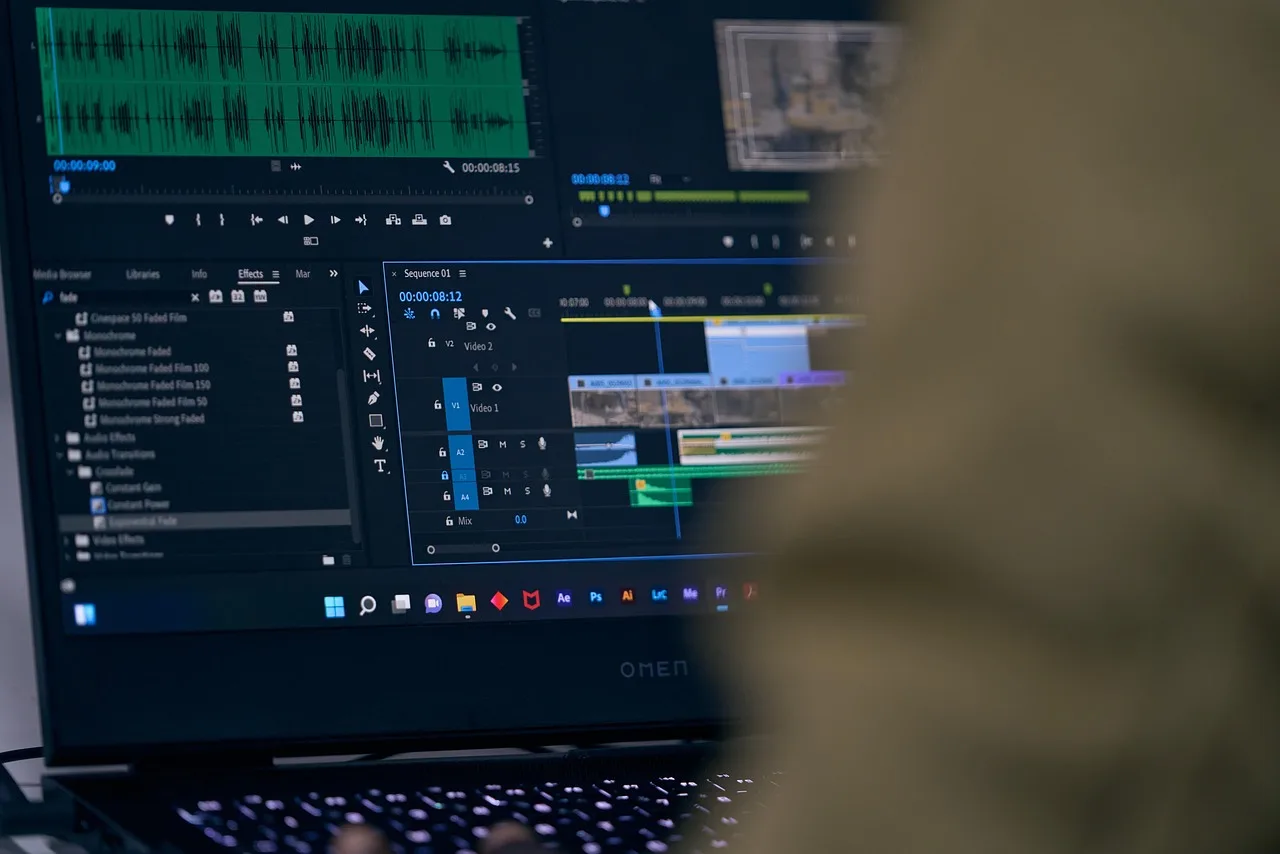
Check one: production speed from brief to delivered cut. Time the run from a brand brief to a file the client signs off. Descript, CapCut and Adobe Premiere Pro all cut video. The question is whether the brief, raw footage, cut and caption live in one place.
CapCut Pro costs about $7.99 a month, Descript Creator about $12 a month billed annually, and Adobe Premiere Pro about $22.99 a month for a single app. Frame.io, typically about $15 per seat a month, collects timestamped client comments that end revision loops early.
If you shoot, edit and caption in three apps, look for software that links those steps. Otherwise you are paying for a folder.
Check two: rights and exclusivity tracking. Every brand deal carries a usage window and often an exclusivity clause. Software that tracks this shows which deal expires next month and which category you cannot work in until a date passes.
Notion can hold a rights log, and Airtable can filter deals by expiry date. A calendar reminder will not flag that a new deal conflicts with an exclusivity window you already signed.
Extension fees typically run 10 to 25 percent of the original license fee per added period. A missed window turns into a pricing problem at renewal.
Check three: cost per active deal. Add the subscription, the storage tier and any per-seat charge, then divide by the brand deals you run in a month. A $30 app across four deals is $7.50 a deal. A $90 app across two deals is $45 a deal.
Published rates give you a starting point. Notion Plus typically runs $10 to $12 a seat each month, and Airtable Team about $20 to $24. QuickBooks Online runs about $35 to $115 by tier, and Google One 2TB storage about $9.99 a month. The cheaper sticker is not always the cheaper tool.
What to look for by name
| Tool | What it does | Who it suits | Pricing model |
|---|---|---|---|
| Notion | Briefs, content calendar, rights log in one workspace | Creators who want one hub and will build their own templates | Free tier; Plus typically $10 to $12 per seat a month |
| Airtable | Relational database for deals, deliverables, and expiry dates | Creators running many concurrent brand deals | Free tier; Team typically $20 to $24 per seat a month |
| Frame.io | Video review and timestamped client feedback | Creators whose bottleneck is revision rounds | Free plan; Pro typically about $15 per seat a month |
| Canva | Thumbnails, captions, simple edits | Creators producing high volumes of static and short video | Free tier; Pro about $120 a year |
| Descript | Text-based editing, captions, filler-word removal | Creators editing talking-head and testimonial clips | Free tier; Creator about $12 a month billed annually |
| CapCut | Vertical edits, auto captions, templates | Creators shipping short video daily | Free; Pro about $7.99 a month |
| QuickBooks Online | Invoicing, expense tracking, 1099-NEC prep | Creators separating business and personal finances | Typically $35 to $115 a month by tier |
Frame.io earns its place when revision rounds eat your week. A client who can leave a comment at 0:14 instead of writing "make it punchier" saves a full re-edit. QuickBooks Online matters once you cross into quarterly estimated taxes; a CPA or the IRS can confirm what applies to your situation.
Where the money leaks
Underpriced usage extensions are the most common failure. A brand asks to run your video three more months, you say yes for a small fee, and you never checked whether the original rate covered that window. Software with a rights log catches this before you answer.
Where the money leaks
- Underpriced usage extensions
- Dead sponsor marketplaces
- Vanity metrics like follower count
- Track marketplace output last 90 days
- Track RPM, engagement, break-even margin
Dead sponsor marketplaces are the second leak. A platform that promised brand matches but stopped sending them is a cost with no return.
Track what each marketplace delivered in the last 90 days before you renew. TikTok Creator Marketplace is free for creators. Brand-side networks such as Aspire and GRIN bill the brand, so a creator-side fee deserves a hard look.
Vanity metrics are the third. Follower count and view count do not pay rent. Track RPM, engagement rate and break-even margin instead. The UGC creator software and KPI guide walks through which numbers to watch monthly.
Security and records
Your client footage, contracts and payment details live in these tools. The NIST Small Business Quick-Start Guides give small operators a practical starting point for protecting that data. The CISA small business guidance covers the common digital risks that hit solo operators hardest.
Keep the paper trail. The IRS recordkeeping guidance explains what to retain to support income, expenses and assets. If you are still setting up the business side, how to start a UGC creator business covers registration, rates and the first client workflow.
Common questions
Do I need all three checks to pass before I buy?
No. Production speed matters most if editing is your bottleneck, so start with Frame.io or Descript. Rights tracking matters most when you run concurrent deals with exclusivity clauses, where Airtable date fields do the work. Total cost matters always.
Can I run a UGC business on free tools alone?
For the first few deals, yes. Notion's free tier, CapCut and a shared drive can hold briefs and files. The gap appears when you need to prove a rights window or hand a client timestamped feedback, and free plans stop short there.
How often should I review the software stack?
Quarterly, alongside your rate card. A tool that fit two deals a month may not fit six. Check what each subscription delivered against what you paid, then cut what did not earn its seat.